Hi all,
I've used Davinci on and off for a couple of years, but I've not used it for a while. I wanted to do something 'really simple' today but I'm obviously missing something simple. I've asked AI and that is not able to provide an answer. The really simple thing I want to do is to split an MP3 file in half and resave each half as an MP3.
I've tried this on version 19 and just updated to version 20 to see if it was different, but it wasn't.
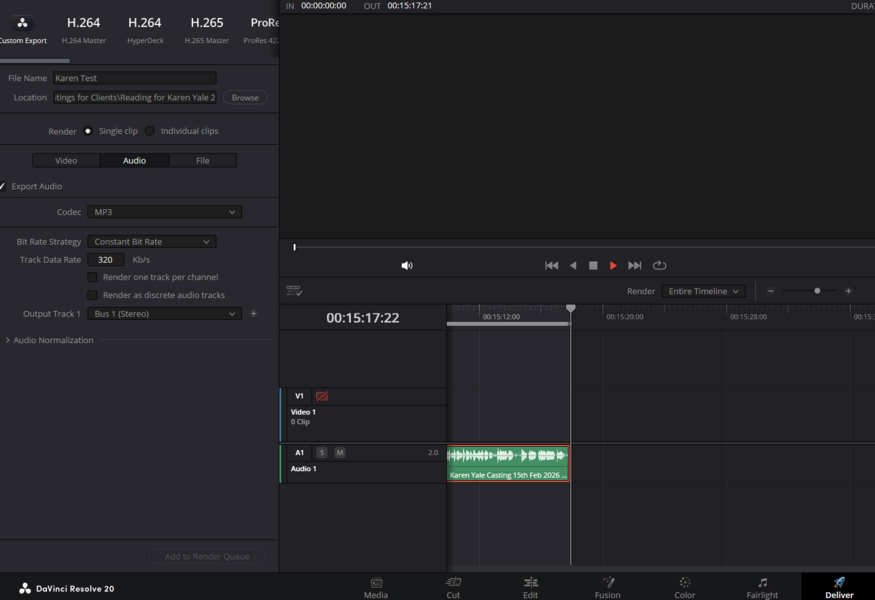
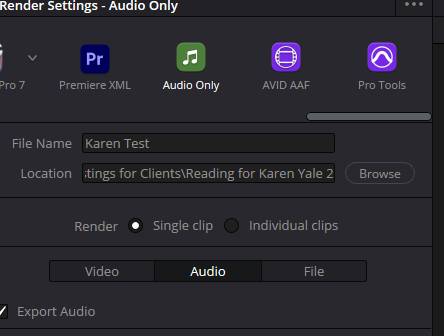
I've loaded the file and split it, but I can't get it to add to the render queue—the prompt to do so is greyed out. Any help appreciated. Thank you.
I've used Davinci on and off for a couple of years, but I've not used it for a while. I wanted to do something 'really simple' today but I'm obviously missing something simple. I've asked AI and that is not able to provide an answer. The really simple thing I want to do is to split an MP3 file in half and resave each half as an MP3.
I've tried this on version 19 and just updated to version 20 to see if it was different, but it wasn't.
I've loaded the file and split it, but I can't get it to add to the render queue—the prompt to do so is greyed out. Any help appreciated. Thank you.